
The Greene County Court Calendar
Greene County offers three official online routes to a court date. The North Carolina eCourts Portal includes a Search Hearings tool. It shows current locations and times. Greene also publishes separate Civil Calendars and Criminal Calendars applications. The local administrative-schedules page rounds these out, linking Portal and a District Court schedule. None of them alone is final. A general Case Summary result is not the last word. It cannot tell you where a case stands today.
The Case Summary, or Register of Actions, is tied to one identified case. Its Hearings block sits beside events and dispositions. Search Hearings, by contrast, is the current date-and-location tool. The civil and criminal applications are category-specific calendar views. Read each with the case identifier, the current assignment, and the court's instructions in hand. None is a broad list of everyone expected in court that day.
Greene County Court Calendar Channels
Portal Search Hearings is the most flexible channel. It can search current calendars by case number, party name, business name, attorney name, attorney bar number, judicial officer, or courtroom. It works best once a case detail is known. The civil and criminal calendar applications arrive preselected for Greene County through their official links. Both run on JavaScript. Their live filters and reset behavior are best learned by using them.
The Greene local administrative schedules page gathers these court-date routes in one place.
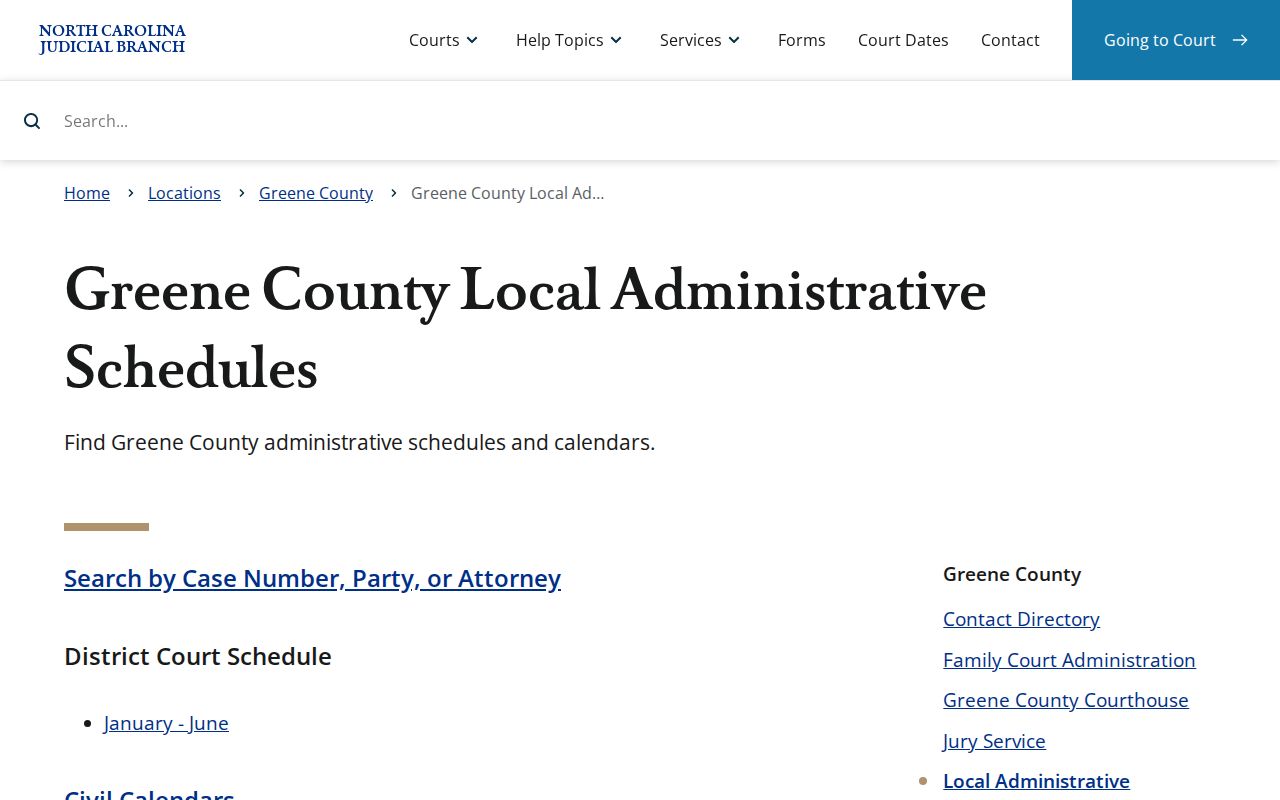
The schedule hub supports a simple division of labor. Find the specific case in Portal, search its current hearing details, then compare the matching civil or criminal calendar when it helps.
How to Find Your Court Date
Use the most exact identifier you have. A complete Enterprise Justice case number carries a two-digit year, case-type letters, a six-digit sequence, and a county code. Greene numbers end in -390. No file number handy? A party name or citation number can start the search. For a courtroom day view, Search Hearings also works with the current date, judicial officer, or courtroom as the Portal supplies.
- Open Portal Smart Search and find the correct Greene case by full file number, party name, or citation number.
- Read the Case Summary’s Hearings area, along with its current status and assignment information.
- Open Search Hearings and use the most precise available identifier. Select Greene County where the live location filter appears.
- Cross-check the official Greene Civil Calendars or Criminal Calendars interface for the same category.
- If online sources differ or the record is unclear, contact the Greene Clerk, use the clerk counter or public terminal, and follow current courtroom instructions.
Need a person instead of a portal? The clerk line is (252) 747-6200. The published Superior Court Judges directory contact is (252) 520-5420, and the District Court Judges directory contact is (919) 722-6250. A represented party can also search Portal Search Hearings by attorney fields, but the returned case and the court's current instructions remain the setting record.
Greene County Court Calendar Search Fields
Search Hearings reshapes its inputs around the search type you pick. The state's published field inventory is long. It lists case number, party name, business name, attorney name, attorney bar number, judicial officer, courtroom, location, hearing type, and date range. Treat those selectors as live Portal controls rather than a fixed local list. A bounded date range helps with a current calendar check. It cannot prove every historical hearing appears.
| Portal field | Use for a Greene setting |
|---|---|
| Case number | The narrowest query. A complete Greene number ends -390. |
| Party, business, or attorney name | Alternate current-calendar identifiers when the number is unavailable. |
| Judicial officer or courtroom | Useful for a court-day or call-list check where the live Portal offers the selector. |
| Location and hearing type | Use the live Greene location and related dynamic options without treating a town name as a separate court system. |
| Date from and date to | Limits the current inquiry; it is not a complete historical record. |
One distinction matters here. Search Hearings reports a current calendar result, while the Case Summary carries the broader event history for the identified case.
Reading a Court Setting
Read a Greene court setting field by field. The date, time, location, and hearing type identify the entry. The assignment and case status explain its path. The Portal FAQ warns that courts and judges call cases in different orders. Treat the start time as a starting point only. It is not a promise that your case comes first. Nor does it fix a precise minute.
| Date | The reported calendar date. Confirm whether the entry is current rather than a historic hearing event. |
|---|---|
| Time | The displayed setting time. Courtroom call order can vary from the listed time. |
| Location or courtroom | The Portal location or courtroom field where shown; confirm it with the current court record. |
| Judicial officer | A Search Hearings identifier where the live Portal supplies the field, not a guarantee of a fixed assignment. |
| Hearing type | The live Portal category or a case event label, read with the Case Summary and court instructions. |
Greene County Court Calendar Session Weeks
The published 2026 Civil Superior Court Schedule lists Greene sessions beginning March 16, May 26, September 14, and October 26. Those dates anchor trial-scheduling notices, calendar requests, and motions to continue. Each one marks a full week. Trial cases may fill it. Motions are heard the first day but can be set later in the week with permission. A session week is not one person's hearing time.
The Greene Civil Calendars interface is the current category-specific civil calendar route.
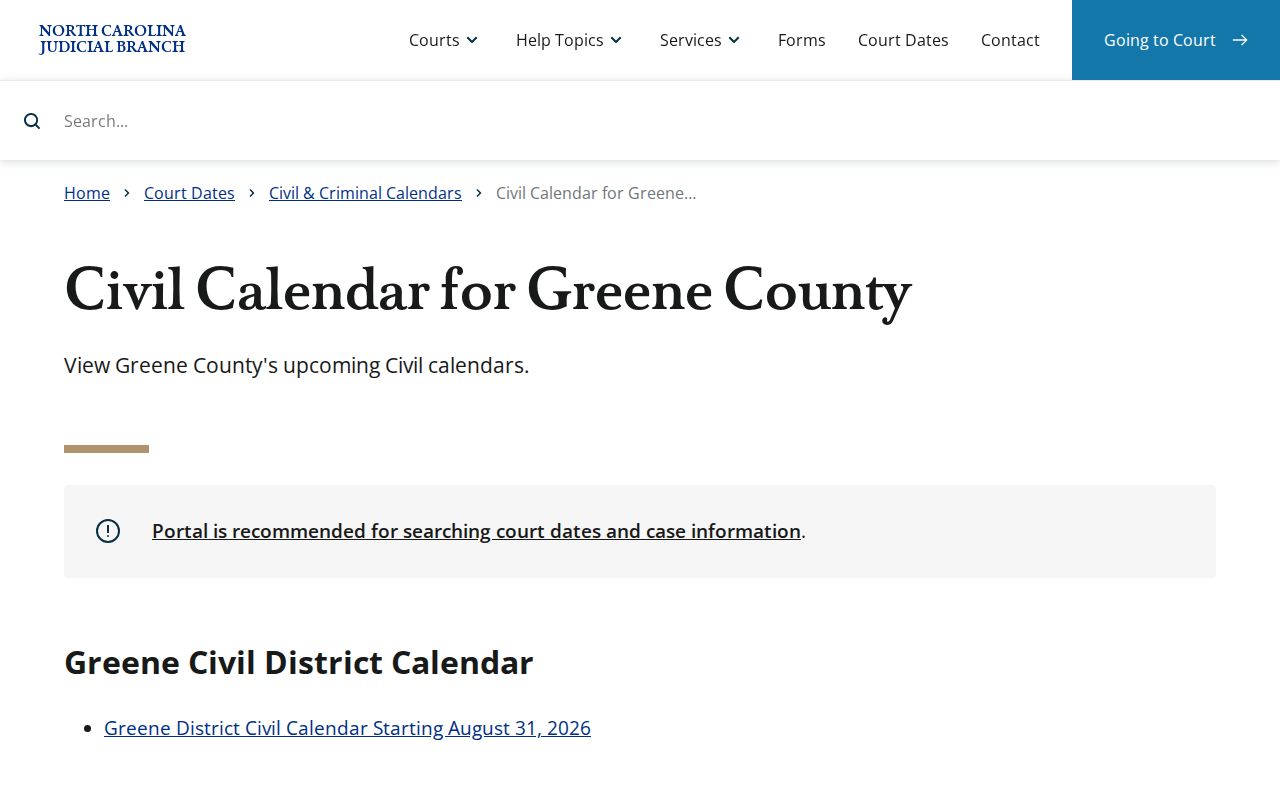
Check the individual case's Hearings area and Search Hearings before leaning on a Superior session date. The schedule supplies court-session context, not a replacement for the case-specific setting.
Resets, Continuances, and Cancellations
Greene's local rules and forms page offers a Request for Continuance. The 2026 Superior schedule mentions motions to continue. Filing a form does nothing by itself. A continuance only takes hold when the court grants it. After any requested change, read the current Hearings block, run Search Hearings, check the matching calendar, and then call the clerk or court contact if those sources clash.
On the Portal, a case carries a status word drawn from a set list: pending, completed, disposed, remanded, reopened, transferred, or appealed. There is no Greene code that says "reset." So don't relabel an old hearing entry that way. What controls is the current entry on the case itself, plus whatever the court says, whenever weather, a closure, a remote-hearing link change, or a continuance shifts a displayed setting on the Greene County court docket.
Greene County Court Calendar Call Order
A setting time tells you when a case is scheduled. It does not tell you when the judge will call it. The Portal FAQ is blunt. Courts and judges call cases in different orders. For the call order of a day's list, the FAQ sends you to courtroom staff. Search Hearings can sort results by column headings. Run a date-and-courtroom search first. A sorted list still says nothing about who gets called next.
For criminal matters, there is a second route. The Greene Criminal Calendars interface gives you the criminal docket route for the county.
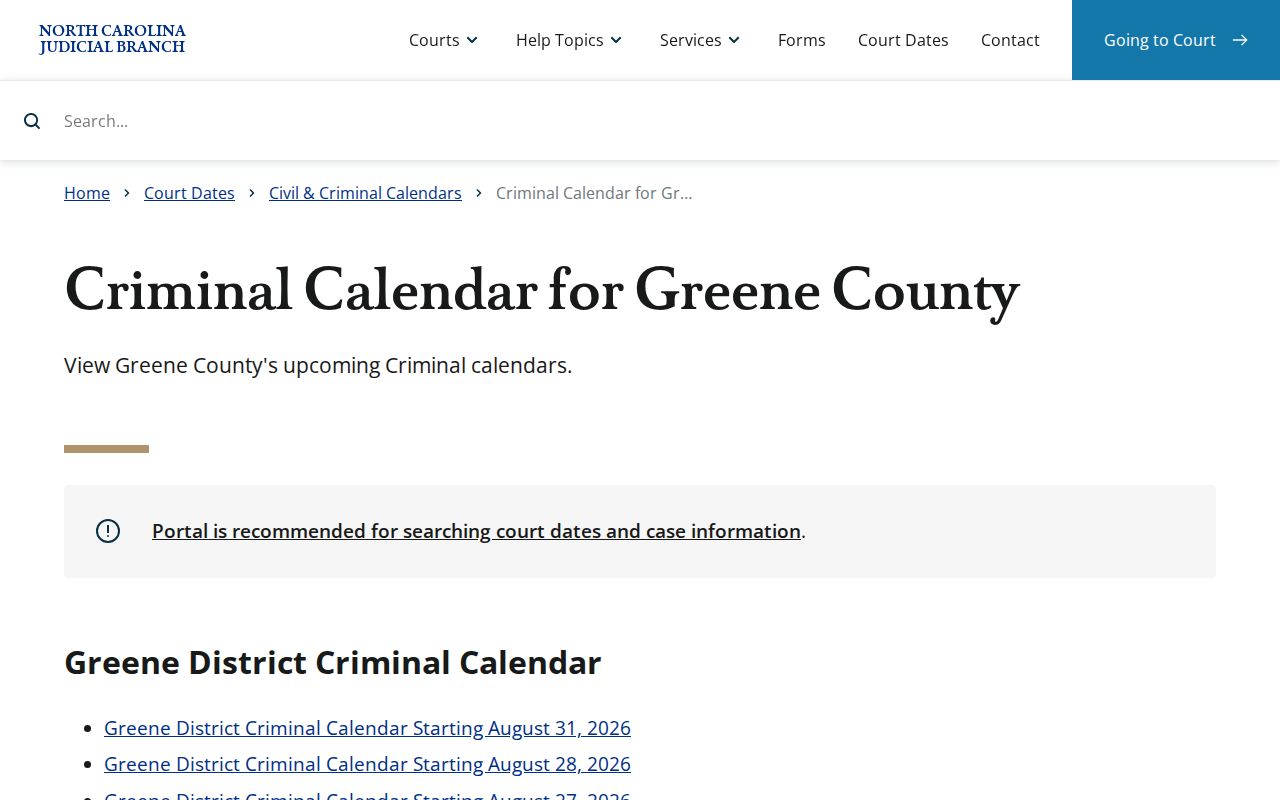
Always check a criminal calendar result against the case's Portal hearing record. A calendar line is just a reported date, time, and location, and current court instructions can override it.
What To Do If You Miss a Setting
Greene County publishes no single policy covering a missed court date. No universal failure-to-appear procedure applies to every case. So don't borrow a deadline or consequence from an old calendar entry. Don't assume any remote-hearing rule either. Start with the case's Portal Case Summary and Search Hearings. Then check the matching civil or criminal calendar. From there, contact the Greene clerk or the right court contact for current instructions, and if a web result falls short, use the courthouse counter during clerk hours.
Missed a Setting? A missed Greene setting calls for prompt confirmation from the current court record and from the court or clerk, since no one universal local procedure applies.
Check Portal Smart Search and Search Hearings first, then compare the relevant Greene calendar rather than relying on a past event.
If the case is represented, obtain advice from the attorney of record. Court staff can provide record and contact information but cannot give legal advice.
Greene County Court Calendar Web Fallback
Online tools can update within minutes of an Odyssey upload. Heavy processing volume can still delay an entry. Remember that the public Portal is not the official court record. When the Portal, Search Hearings, and a county calendar leave a setting unclear, the clerk is the county-specific fallback. The Greene Clerk of Superior Court keeps the court file, provides the public terminal, and is your path to the paper file in the county where the case sits.
If a Portal result looks incomplete, the state FAQ has a few fixes. Clear the browser cache. Try another browser or a private window. Then contact the county clerk. Those steps may cure a display glitch. They cannot replace a direct setting check. Before you act on an uncertain result, note the complete file number, confirm the Greene suffix, and ask the clerk or courtroom contact which current source controls the date.
One quirk worth knowing: historic converted events can display 12:00 AM because they were migrated into Odyssey from the pre-go-live system. That timestamp is a migration artifact, not a real hearing time. Resolve it the same practical way. Verify the complete case number and assignment, review the current hearing data, then use the clerk or court contact for the record that counts on the Greene County docket.