
How to Get Court Records
Start with the North Carolina eCourts Portal to find the public case. Open its Case Summary or Register of Actions. Write down the full case number. Note the Greene -390 suffix, the assignment, the event date, and any document title that shows. Portal is a finding tool only. The official trial-court file sits with the Greene County Clerk of Superior Court. That office handles Superior Court, District Court, magistrate, estate, and special-proceeding matters.
Each channel does a different job. Portal gives public case history and eligible images. A self-service terminal in the clerk’s office opens the paper file in person. Staff will also take a phone call about a case you can identify. They can steer a plain or certified-copy request. The clerk posts no general certified-copy form. There is no generic mail-order process, though mail is an accepted channel for court payments. An online payment or a county administrative-record request will not order a case document for you.
- Find the public case in Portal by full number, citation number, or name and narrow to Greene County.
- Decide whether the need is a Case Summary, a public filed image, a plain copy, a certified copy, or a transcript.
- For web access that is incomplete, use the public terminal or paper file at the Greene clerk’s office.
- Call the clerk with the specific case, event, and document details before asking about copies or certification.
- Use the separate NCAOC public-record process only for Judicial Branch administrative records, not as a substitute for the Greene case-file custodian.
Note: The local clerk can confirm what is available and how to pay. Turnaround times and electronic delivery vary, so ask the office directly rather than expecting one set answer.
Greene Court Records Start Online
The public Case Summary is Portal’s best tool. It pins down the right Greene County file. Its inventory covers case and assignment information, public party information, applicable causes of action, Case Events, Hearings, Dispositions, and financial information where it applies. Public documents that qualify may sit right beside the timeline. The state says case summaries and eligible images generally appear within minutes of Odyssey upload, though processing volume can slow things down.
None of that makes the online view official. Portal itself says it is not the court record. When you need a seal, an official copy, or a document that will not open online, move to the Greene County Clerk of Superior Court. The Judicial Branch court-records instructions lay out the public terminal and the county paper-file route.
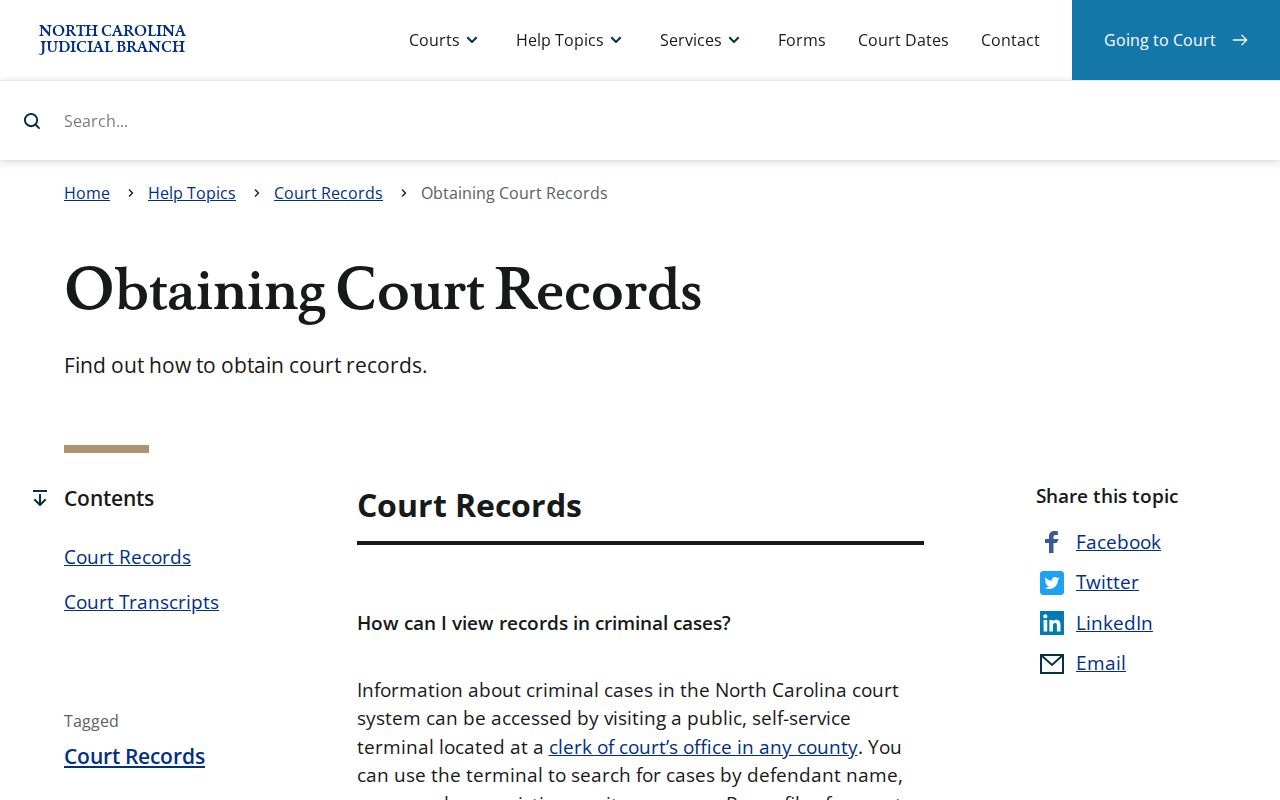
The terminal earns its keep when Portal shows no public image, or when you want to inspect the file in the county where it lives.
Greene Court Records Have Three Layers
Three layers of Greene County court records look alike but are not interchangeable. The docket entry, or Case Summary, is the public event history. A document image is the actual pleading, order, notice, or judgment behind an entry. It shows up when it is public and available. A certified copy is the clerk-issued official product. A transcript is a fourth, separate animal. It comes from the court reporter’s work, not from the clerk’s docket. Naming the layer you want keeps a request from going sideways.
| Record layer | Greene access path | Important limit |
|---|---|---|
| Case Summary / Register | Portal, terminal, or clerk file | Not the official record |
| Public filed image | Portal when available; terminal or paper file | Not necessarily certified |
| Certified clerk copy | Greene Clerk | Portal cannot create it |
| Transcript | Reporter or court route | Not a docket copy |
Types of Court Records
Greene County’s unified clerk system covers Superior and District Court actions plus magistrate matters, estates, and special proceedings. All of it is subject to confidentiality rules. So one public search can return criminal or infraction files, civil and magistrate matters, estates, or nonconfidential special proceedings. Check the court division and case type in the result to pick the right record and calendar path.
Not every court item is a case file. A hearing calendar locates a current setting. NC Judgment Search is an index that returns a case number and judgment information. It then points back to Smart Search for the full Case Summary. A transcript is a verbatim record of a proceeding. Tell the Greene clerk which type you need. That keeps every online result from being treated as the same document.
Greene Court Records at the Terminal
North Carolina’s guidance says each clerk office offers a public self-service terminal. It serves criminal, civil, special-proceeding, and estate information. The paper file stays in the county where the case sits. That gives Greene County a clear backup when a public case has no usable Portal image. Bring the case number to the clerk’s office and ask about the public file or copy route. The state’s public Greene County court contact directory lists the local court and clerk contacts.
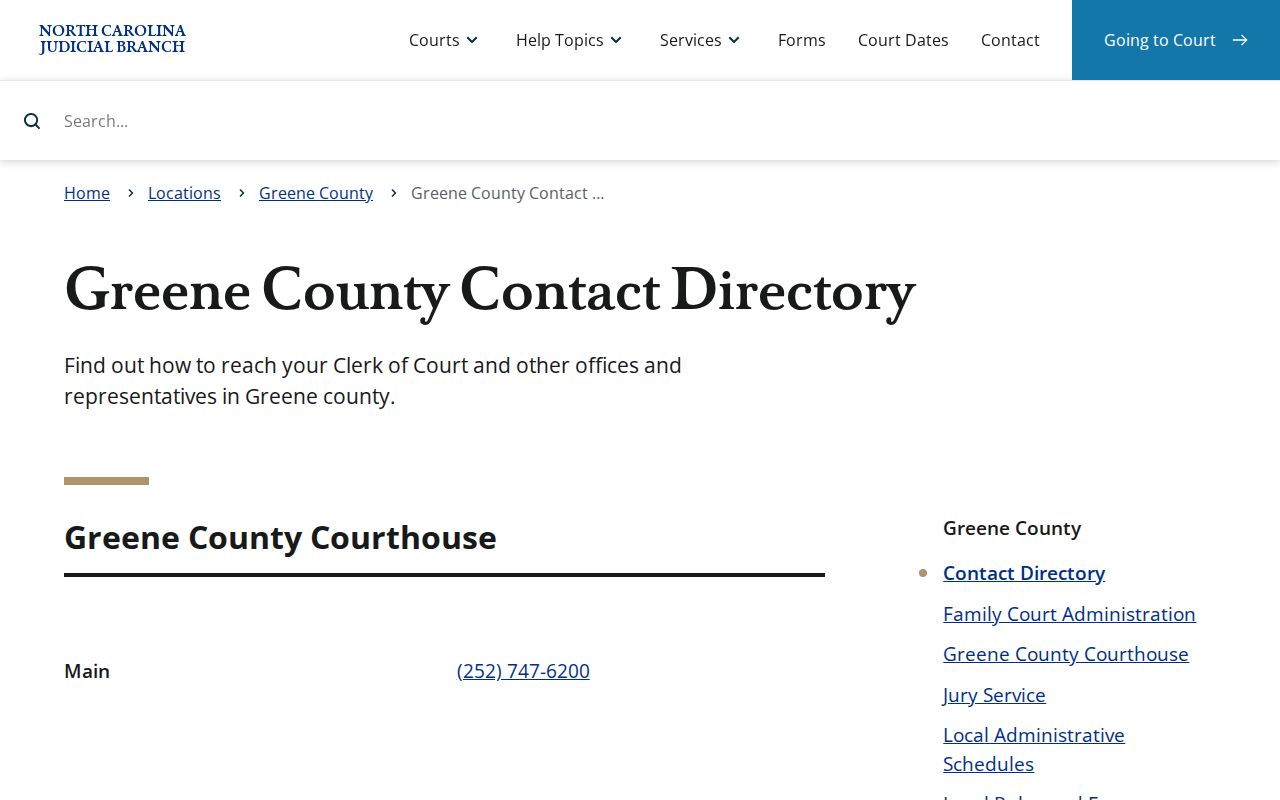
Aim your record inquiry at the court system through that directory. Sending a case-file request to an unrelated county department only slows it down.
Greene Court Record Images Need Follow-Up
Portal hands you one file at a time. A public file too large to open may still exist in smaller pieces. Ask the clerk whether split segments are possible. None of that promises release. Access can turn on eligibility, document fees, sealing, processing, and a file's security designation.
The File & Serve label “Public Not Portal” carries a narrow meaning here. It often flags material an anonymous Portal user cannot see. The clerk might still provide it. That label creates no duty to release. It never upgrades a web view into an official record. The web view is not the official record.
What a Court Record Contains
Contents and source identify a Greene County court record fastest. Start with the Case Summary. It opens with a case number. Case information and assignment follow. The public history then splits into Case Events, Hearings, Dispositions, and any financial information. A document behind an entry carries its own title and date. Give the clerk those identifiers. Do not offer a broad description of the matter.
| Case number | Complete Enterprise Justice identifier, including Greene’s -390 code. |
|---|---|
| Assignment | Shows the court or judicial routing for the public case. |
| Case Events | Chronological register activity connected to the matter. |
| Hearings | Listed settings, with current detail available through Search Hearings. |
| Document title/date | Best identifiers for a specific copy request. |
| Certification request | Specify whether a plain copy, certificate under seal, or exemplification is sought. |
A public Case Summary can locate the record. When official certification matters, the clerk-issued copy is the proper channel.
Greene Court Transcript Record Route
A hearing entry is not a transcript. Statewide court-records guidance separates the clerk's case record from the verbatim record. The verbatim record comes from an official court reporter. No Greene-specific reporter contact, price, or transcript form appears publicly. So ask the proper court or reporter channel. Do not expect the clerk to quote a transcript price.
Federal material works the same way. A federal docket or document lives in a separate system. It sits apart from the Greene County Clerk's state-court file. PACER's official information lays out how the federal docket and document system works.
Federal cases need the federal route. A Greene County state-court lookup won't hold the federal docket. The Eastern District of North Carolina court site is the official starting point for that court.
Those records are not the clerk's Greene County Superior or District Court files.
Certified Copies and Fees
Fees at the Greene clerk's office come from G.S. 7A-308. That statute prices copy work by the document. It does not promise that any given court record is public, certifiable, or sendable electronically. Before paying, ask the clerk to confirm what's available, the page count, certification, and the total.
| Clerk service | Statutory amount | Greene request note |
|---|---|---|
| First page of each document | $2.00 | Clerk-prepared copy charge |
| Each additional page or fraction | $0.25 | Applied after the first page of that document |
| Certificate under seal | $3.00 | Certification component where available |
| Exemplification | $10.00 | Separate statutory service |
| Criminal record search | $25.00 | Not a substitute for a specific Portal case lookup |
The official statute page is the source for the fee schedule pictured here.
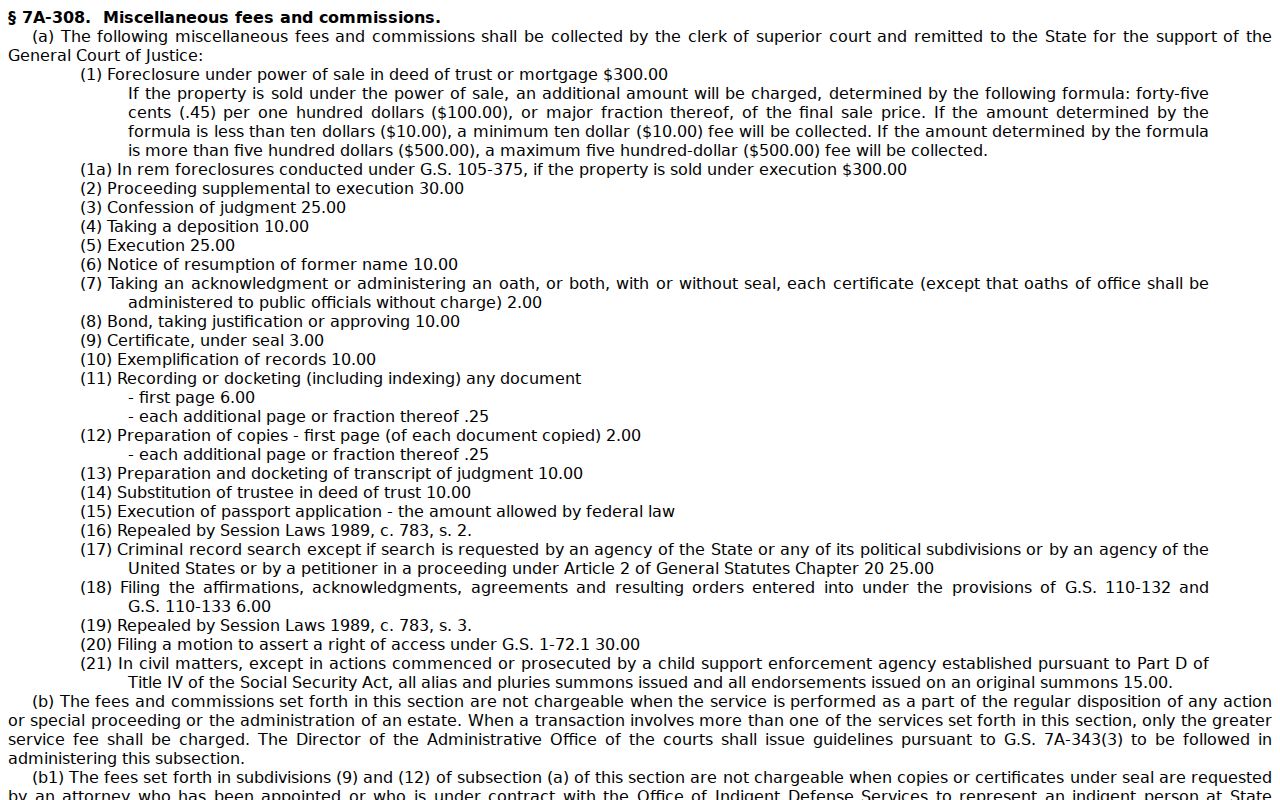
Two one-page court records are not one fifty-cent charge. The statute's first-page rule counts per document, so each copy is billed on its own.
Greene Court Records Need Correct Certification
The Greene clerk offers three distinct services here. A plain copy is simply the document you asked for, prepared as-is. A certificate under seal adds the clerk's certification where the law permits it. Exemplification is listed in the statute as its own service. Say which one you need. A Portal download is never an official copy.
Payment deserves the same care. Greene's payment information accepts money order or certified check by mail. It takes no cash or personal checks through the mail. At the counter you can use cash, a money order, a certified check, or a credit or debit card. Processing fees apply. Personal checks are not taken. That page covers payments and citations, not a general document-order form.
Greene Clerk Court Records Counter
Paper files in this county live with the Greene County Clerk of Superior Court. That office is the record keeper for the trial courts. The clerk window is open to the public from 8:30 a.m. to 4:15 p.m. The courthouse itself is listed for longer hours. That gap is worth checking before you go. For staff-made copies, certification, or questions about restricted records, the clerk is still the right local source. Greene County's Clerk of Court information names the office.
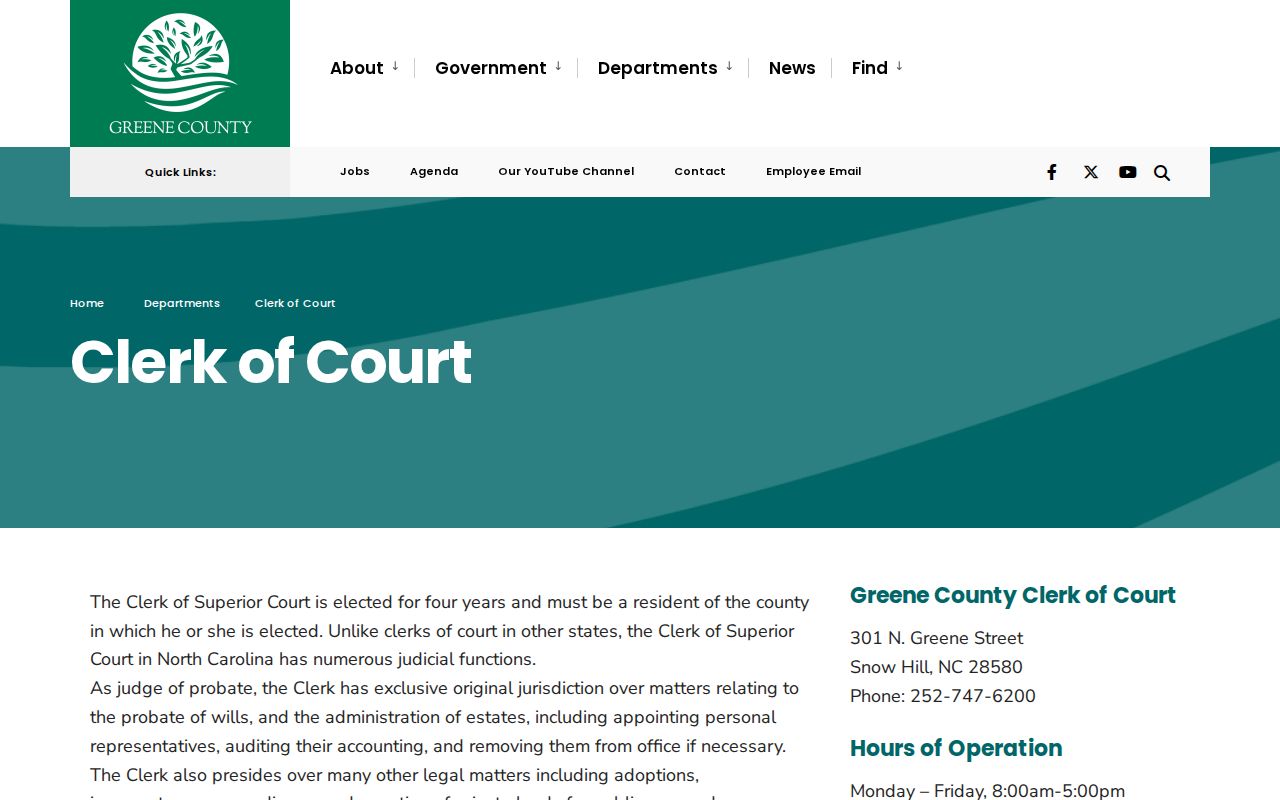
After a Portal search pins down the case, the clerk counter is the next stop for the record itself.
The staff there pulls court records on request.
Greene County Clerk of Superior Court
301 N. Greene St.
Snow Hill, NC 28580
(252) 747-6200
Official Greene court contact directory
Public Access and Sealed Records
Greene County court records are open by default. A statute or court rule must say otherwise for a file to close. The Portal carries the public portion online. The clerk office offers a terminal and the paper-file route in person. For an official copy of a case, start with the county clerk. Do not rely on a basic Portal account. A blank Portal result tells you nothing about why an entry is missing.
Key access rules: G.S. 7A-109 generally opens clerk-maintained files, dockets, and indexes for inspection. G.S. 132-1 is North Carolina’s general public-records baseline. G.S. 132-1.10 addresses certain sensitive identifiers and document-specific redaction requests. G.S. 7B-3000 restricts juvenile records, and G.S. 15A-151 makes expunged court files confidential under its terms.
Greene Court Records Follow Restrictions
Not everything in a court docket is a public download. Some confidential material sits outside ordinary access. That covers sealed files, expunged records, juvenile cases, protective orders, and similar items. Expunged items drop out of online view entirely. Juvenile files stay closed to the public unless a court or statute allows entry. Protected identifiers may come redacted. The clerk can walk you through the lawful route without opening the restricted content itself.
When a public lookup comes up empty, check the simple causes first. A misspelled name can hide an entry. So can the wrong county, an incomplete case number, a filing still being processed, or an old record's conversion. Then try the Greene clerk's terminal or the case-file request. One caution: a public omission never proves a confidential file was deleted or never existed.
Greene Court Records Stay Local
Start with the county clerk. That office handles any Greene County court docket, filed paper, or certified judgment. The state's administrative office won't do it. NCAOC runs a public-record request service of its own. That service is separate from ordering a specific Superior or District Court file in Greene County. It can't certify one, either. The office accepts requests online, by mail, or in person. The right channel depends on the administrative record involved.
A federal case belongs in the federal court system, not with the county clerk. For a local state-court record, Portal locates the public file. The Greene clerk provides the authoritative record route. Treat those channels as complementary tools rather than rival copies of one record.
Make any focused request precise. Give the Greene case number and the court division if known. Add the event or document title and the date. Then state plainly whether a plain or certified copy is needed.