
Traffic Court Records in Greene County
Traffic tickets in Greene County are handled by North Carolina's unified state courts. There is no stand-alone Greene traffic court or town tribunal. District Court judges hear the trials and pleas. Magistrates can accept guilty pleas for authorized minor misdemeanors, infractions, and waivers of trial. The Greene County Clerk of Superior Court and the state court system keep the actual case record. So there is no separate town-court docket or payment vendor to chase.
Start with the citation itself. It shows the issuing county and your appearance date. The citation or case number is the fastest way in. From there, run a search through North Carolina eCourts Portal Smart Search or Search Hearings. If the online docket cannot answer the question, turn to the Greene Clerk. Or use the District Court calendar. Then try the courthouse counter, terminal, or the paper file. Keep one thing straight. A town utility office may take payments. It does not decide where a Greene County traffic case is heard.
North Carolina's traffic-court guidance lays out the statewide rules for citations, waivers, and court appearances.
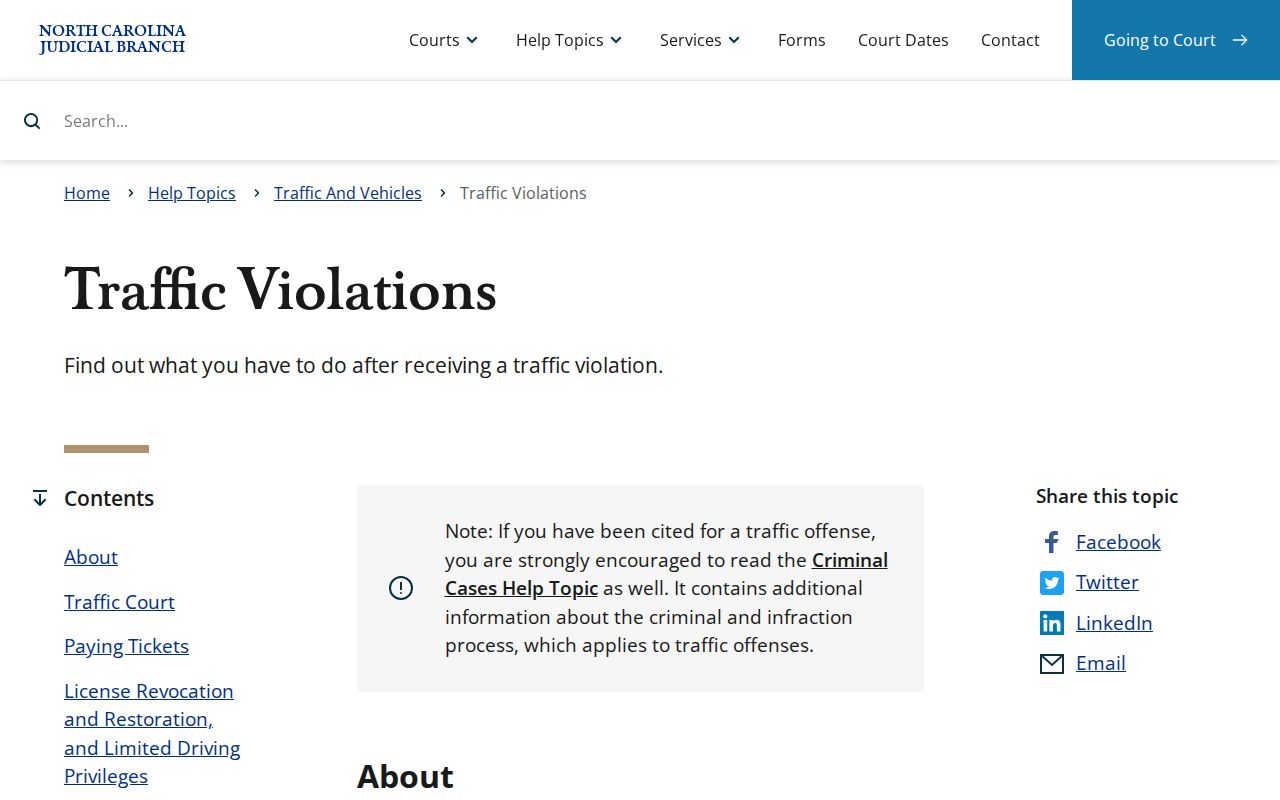
Greene County runs its traffic cases through that same state process. The District Court and the clerk's record system do the work here, with no separate local traffic tribunal involved.
Greene Traffic Cases Use District Court
Greene County sits in District Court District 9. Traffic infractions and related misdemeanors follow the District Court path, with magistrate authority where state law allows. The routing matters. A traffic citation is a court case. It has a case number, court setting, events, and disposition, not a bill mailed out by an incorporated town.
Snow Hill, Hookerton, and Walstonburg publish no municipal traffic court, citation-payment page, or town-court calendar. Search the state Portal with Greene County as the location. Then confirm the case through the clerk or the District Court calendar. A town webpage may help with municipal services. It is not the court-record channel for a Greene traffic citation.
How to Look Up a Traffic Ticket
Work from what is printed on the citation. Portal Smart Search accepts citation number, case number, and party name. No citation number in hand? A party-name search can be narrowed to Greene County and to the Criminal or Infraction case type. For current scheduling, Search Hearings is the separate tool. Portal is not the official court record, so an unclear result should send you to the clerk or the courthouse file rather than to a guess about the citation's status.
- Read the citation for its Greene County appearance date and citation number.
- Search Portal by citation number, full case number, or party name and select Greene County as Location.
- Use Criminal or Infraction case type and a filing-date range only when known facts make a name result too broad.
- Open the Case Summary, then check Case Events and Hearings for the public record behind the citation.
- Use Search Hearings and the Greene criminal calendar to cross-check a current court setting.
- If the return is unclear or unavailable, call the Greene Clerk at (252) 747-6200, Magistrates at (252) 747-6219, or inspect the courthouse terminal and paper file.
| Portal field | Traffic use in Greene County | Supported note |
|---|---|---|
| Citation Number | Direct ticket lookup | Use when printed number is known |
| Case Number | Precise assigned-file lookup | Include complete -390 ending |
| Party Name | Alternative where number is unavailable | Narrow by Greene and case type |
| Case Status | Read current record state | Includes Pending, Disposed, and Pending Reported to DMV |
| Make Payments | Eligible case workflow | Verify exact case and balance first |
The Portal has no search by charge type. Your Greene County ticket lookup needs a citation number, a file number, or a name to get started.
Greene Traffic Citation Search Comes First
Start by pulling up the citation itself, not the payment screen. The Portal only lets you pay when a criminal or infraction obligation carries a balance. Search that way, and the state asks for the full case number. Include the dash. Include the three-digit county code. No case number handy? A name plus date of birth can narrow the results. Public searches hide the birth date itself.
Once a case comes back, open it before you touch any payment button. Check the case number, the Greene location, the case type, and the balance. A pay link is not a promise. Some traffic cases still require a court appearance. The hearing date printed on your citation keeps its force even when a different case can be settled online.
Greene Traffic Court Is Not a Town Office
Here is where people get tripped up. Town hall pages look helpful, but the incorporated towns of Greene County all route their traffic matters through the state court path described above. The state Portal and the Greene Clerk handle the actual case.
So keep the two worlds separate. A town utility bill is not a traffic ticket. Paying it will never substitute for the citation number or a Greene County court-date check. Hookerton’s official town contact page shows that line clearly. It covers town administration, while the court record route runs through the county and state.
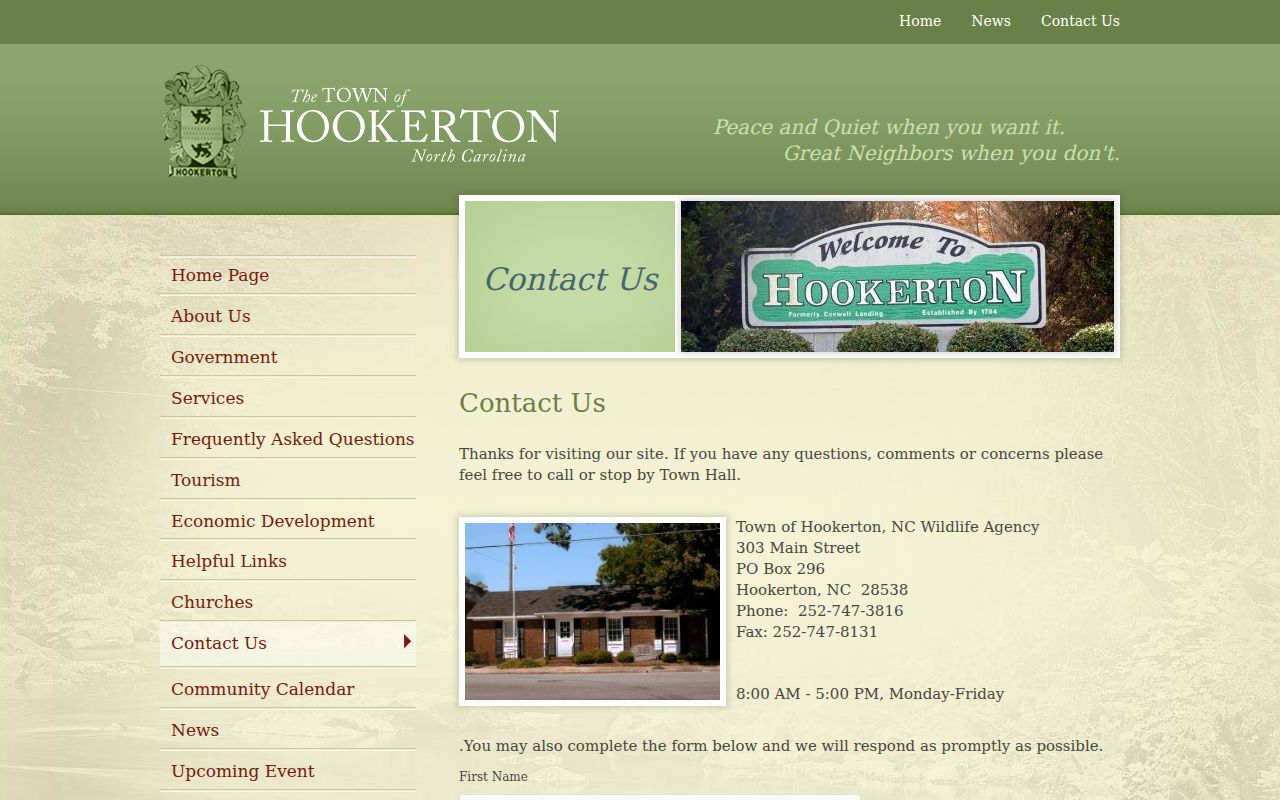
Use a town contact page for town services and nothing else. For the case itself, stick with the Portal, the Greene Clerk, and the District Court calendar.
Finding Your Traffic Court Date
Your ticket should list the date you must appear in Greene County traffic court. If it does not, check further. The Portal Smart Search tool lets the public pull a Case Summary or Register of Actions for any case number. Inside those records, Case Events keep the full filing history. The Hearings section shows what is currently set. That section holds your court date and courtroom.
Search Hearings works as a live calendar companion to the Portal. The Greene County criminal calendar offers one more public cross-check. Still, a calendar that shifts on its own should never be your only source. When the time or courtroom really matters, confirm with the citation, the Portal, or the clerk.
| Citation number | Ticket identifier used by Smart Search where known. |
|---|---|
| Case number | Assigned Enterprise Justice record, ending -390 for Greene County. |
| Case Events | Historic public register entries for the citation case. |
| Hearings | Listed court settings; Search Hearings is the current-date tool. |
| Court assignment | Use the returned assignment to confirm the Greene District Court route. |
| Status | Read its displayed meaning; do not infer facts not shown by the record. |
Greene Traffic Dates Need Search Hearings
Search Hearings is the better tool. It shows where a Greene County traffic case sits right now. It searches by case number, party, business, attorney, attorney bar number, judicial officer, or courtroom. Its date controls come from the live system. A past Case Event can tell you why the case exists. It cannot tell you today's setting. An old docket entry is history, not a court date.
Say a citation was reset or continued. The current search tool plus a call to the clerk beats trusting any earlier date. After checking Portal, confirm the courtroom through the published District Court Judges directory at (919) 722-6250. If public displays conflict, the court file settles it.
Paying or Contesting a Ticket
Every Greene County traffic citation carries a court date. Some eligible offenses can be resolved without ever appearing, through a waiver or payment, an online reduction request, or an online dismissal request where the state system offers one. Eligibility depends on the specific citation. One caution matters here: paying an eligible waiver means giving up the chance to appear or contest, and it counts as a finding of guilt or responsibility. If the citation requires an appearance, or you skip the waiver, show up in the county where it was issued. The docket does not excuse you from that.
| Eligible waiver or payment | Appearance or contest |
|---|---|
| Available only when the citation and case are eligible | Required when the citation directs an appearance or a waiver is not used |
| Can be online, at the clerk or magistrate path, or by mail when applicable | District Court hears traffic trials and pleas |
| Full eligible payment forgoes the appearance or contest route | Do not rely on staff for legal advice about the choice |
| Verify case, balance, and instructions before submission | Confirm the present court setting through Portal, calendar, or clerk |
Missed court or payment needs prompt action: After 20 days, a failure to appear may issue and the court may notify NCDMV. A failure to pay a court-ordered obligation can be reported after 40 days. In some cases a missed court date can also result in an order for arrest or bond-forfeiture proceedings.
Greene Traffic Mail Payment Rules
Paying a Greene County traffic citation by mail has strict rules. Send a certified check or money order payable to Greene County Clerk of Superior Court, PO Box 675, Snow Hill, NC 28580. Write the citation number on it. Cash and personal checks are not accepted by mail. Where the state waiver process applies, statewide traffic guidance also asks for something extra. It wants the signed and dated waiver portion of the citation.
The courthouse counter takes cash, money orders, certified checks, and credit or debit cards. Processing fees get added. Personal checks are still refused. Portal payments accept Visa, Mastercard, and Discover, and the Portal FAQ lists a 2.39% transaction charge with a $1 minimum. Verify the correct case first. Then follow the live payment instructions. Greene County payment information spells out the official local methods.
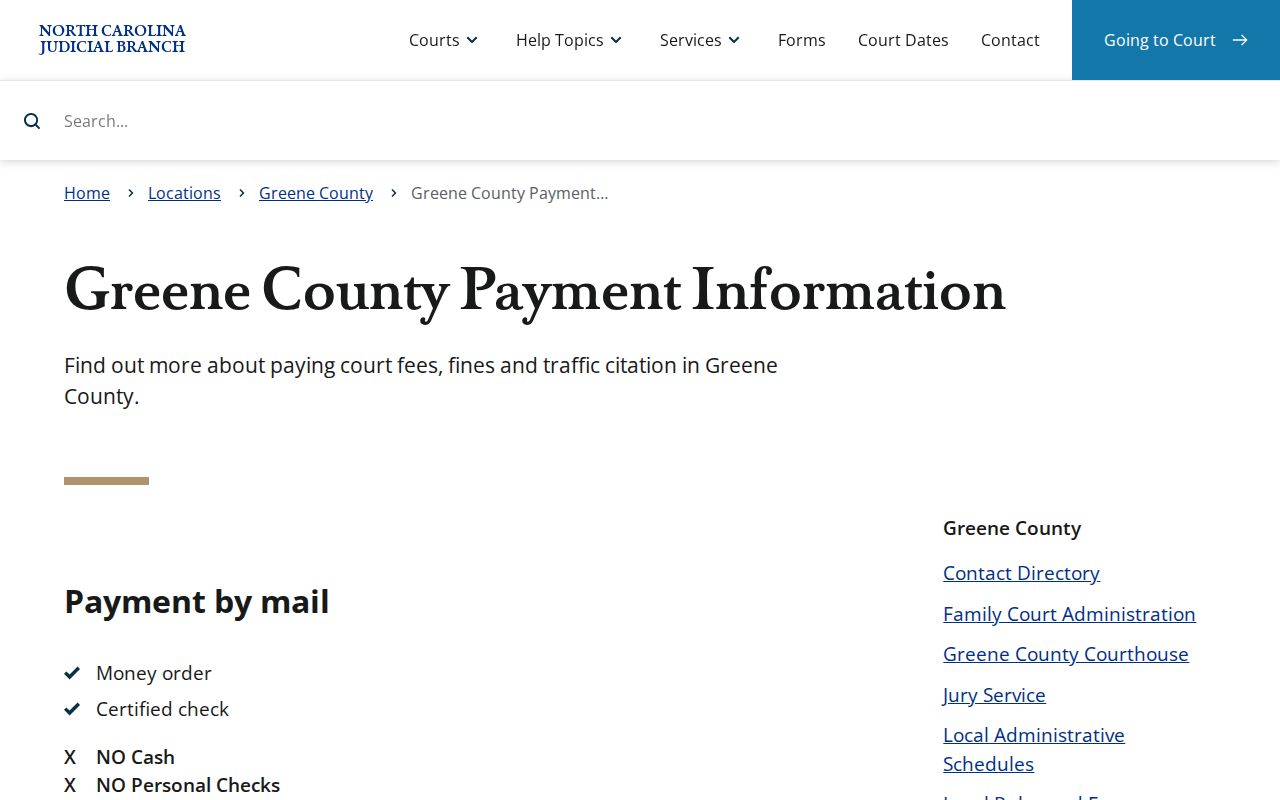
The payment page covers court-payment methods only. It is not a form for ordering a traffic case document or a certified copy.
Greene Traffic Cases Have Reporting Dates
Skip a Greene County traffic court date and the Judicial Branch labels the case "called and failed." Two clocks then start. Miss court or a disposition for 20 days, and the court may report the matter to NCDMV. Fail to pay court-ordered obligations, and reporting can follow after 40 days. An FTA fee may apply if the person is found guilty or responsible, though no single universal amount is published.
NCDMV separates a failure-to-appear suspension under G.S. 20-24.1 from a failure-to-pay suspension under G.S. 20-24.2. Its instructions point first to the court in the county where the citation issued, then to DMV after compliance, to sort out reinstatement. So the first move is always the same: confirm and resolve the Greene County court case. NCDMV's official suspension information describes these court-reporting consequences.
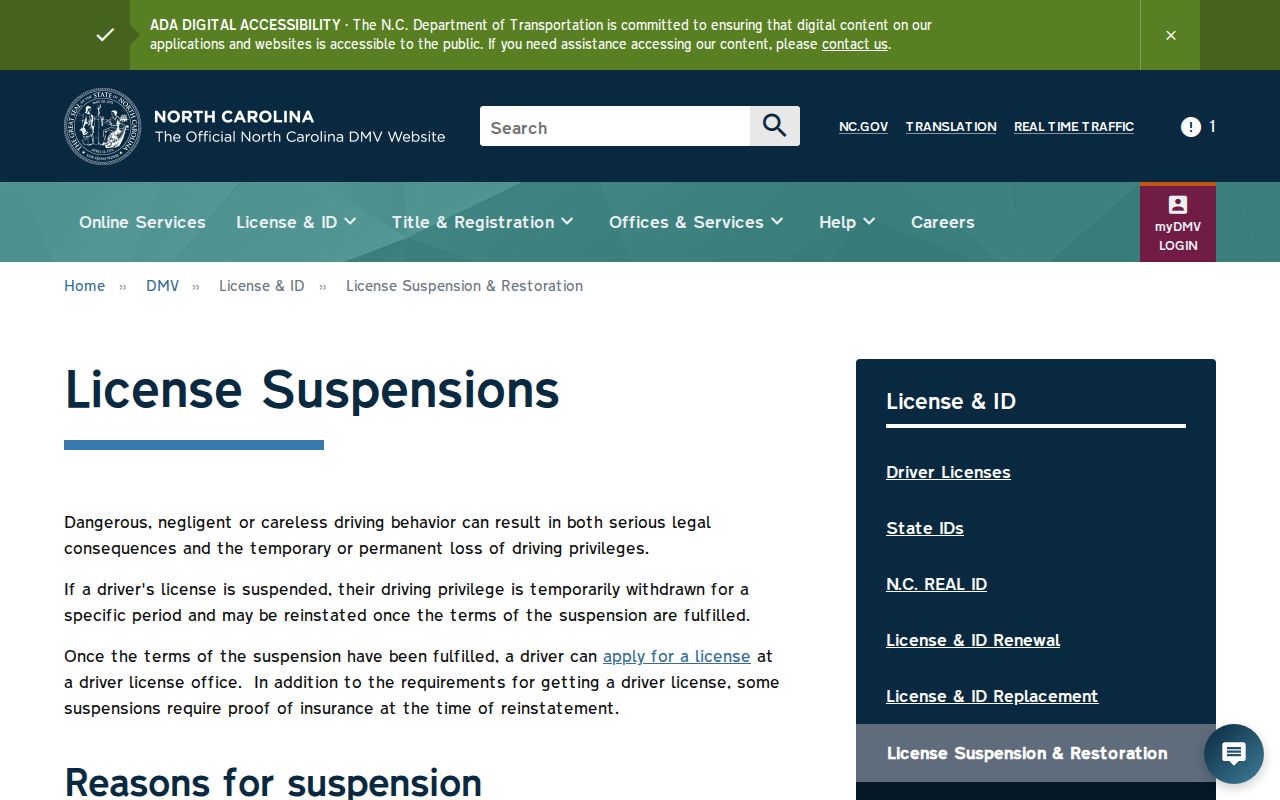
State guidance agrees on the order of steps. When a Greene citation produces an appearance or payment failure, the court matter comes first.
Court Traffic Record vs Driver Record
Two offices keep two different files here. The Greene County court case file sits with the Greene Clerk. The state court system shares that duty. It can show the citation or case number. It also covers public Case Summary events, hearings, a plea or disposition, and applicable financial information. Portal and the courthouse terminal are access points. A certified official court document comes only from the clerk.
The driver record is something else entirely. NCDMV holds that one. It calls the record the official representation of driving history in its files, generally including motor-vehicle convictions, crash information, and basic license information. The court reports final traffic convictions or responsibility findings to DMV. That reporting never turns the state licensing file into a certified Greene County court file. It also never makes Portal a request route for the DMV-held record.
| Greene court case file | NCDMV state licensing file | |
|---|---|---|
| Custodian | Greene County Clerk / state court system | NCDMV |
| Shows | Citation, case events, hearing, plea or disposition, applicable financials | Driving-history information maintained by NCDMV |
| Access route | Portal, courthouse terminal, clerk copy request | NCDMV rules and privacy law |
| Official court copy | Certified through the Greene Clerk when available | Not a certified Greene court file |
Greene Traffic Case Numbers End 390
Once a citation gets a case number, the full Enterprise Justice number is the sharpest query. Run that query first. Greene County's three-digit code is 390, so any Greene result ends -390. The rest of the number holds a two-digit year, case-type letters, and a six-digit sequence. Always use the number shown by Portal. Court papers work too. Never build one from the citation.
One reading note: a status mentioning a pending report to DMV is a Portal status. It is nothing more. Confirm it against the court's current case information. The suffix can verify the Greene routing. But it cannot replace the hearing date, the assignment, or the clerk's official record.
Greene Traffic Lookup Fallbacks
Sometimes a Greene County traffic citation never shows up online. Before assuming anything, double-check the basics. Confirm the issuing county and the full citation or case number. Check the spelling of the name and the right Portal case type too. If the web result still comes back empty, Greene County gives you a clear fallback chain. Call the Clerk at (252) 747-6200. Or call the Magistrates at (252) 747-6219. You can also try the courthouse public terminal or the paper file, or check the District Court directory to confirm a calendar date.
An empty result does not mean no court case exists. Ordinary timing or identifier problems usually get solved through the citation. The county calendar or the clerk can solve them too. Keep in mind that restricted material follows separate access rules. The Portal is a convenience. It is not the official court record.
Fees and Copies
Traffic fines and court costs turn on the citation and current statewide law. So no Greene fine schedule can be stated here. The payment and record fees are clearer. Court-file copies and certified features follow the clerk fee statute. A Portal transaction charge applies only when an eligible payment runs through that payment workflow.
| Item | Amount or rule | Limit |
|---|---|---|
| Portal payment transaction charge | 2.39%, $1 minimum | Eligible Portal payment only |
| Greene card processing | Processing fee applies | Exact local amount not published in the research |
| Court-file copy, first page of each document | $2.00 | G.S. 7A-308 clerk-prepared copy charge |
| Each later page or fraction | $0.25 | Applies after the first page of that document |
| Certificate under seal / exemplification | $3.00 / $10.00 | Separate clerk services where available |
| FTA fee | May apply after process if found guilty or responsible | No single amount found in the source |
Want a plain or certified copy of a traffic case record? Identify the case and the document first, then ask the Greene Clerk about availability and the total cost. A citation payment receipt is not a clerk-issued certified copy.